How much does the Oracle Diagnostic Pack really cost?
If you've ever opened a performance page in Enterprise Manager — the activity graph, AWR, ADDM — you've used the Diagnostic Pack. It's a separately licensed option, and because Oracle licenses it per processor, the bill scales with your hardware, not your usage. Here's the honest math.
What the Diagnostic Pack actually unlocks
The Diagnostic Pack isn't a product you install — it's a license that legally enables a set of features already in Enterprise Edition:
- AWR (Automatic Workload Repository) snapshots and reports.
- ADDM (Automatic Database Diagnostic Monitor).
- ASH (Active Session History) and the OEM performance/activity pages.
- Most of the performance views and alerts you reach through OEM.
Querying these without the license — even accidentally through a script or a dashboard — is a licensing violation that shows up in an Oracle audit. That's why "is this tool Diagnostic-Pack-free?" is a serious question, not a technicality.
The per-processor math
Oracle's published list price for the Diagnostic Pack has long been around $7,500 per processor license, plus roughly 22% per year in support (~$1,650/processor/year). The Tuning Pack — which you often want alongside it — is similar. The trick is what "processor" means.
Oracle counts processors as cores × a core factor. For typical x86 servers the factor is 0.5. So:
-- Example: one 2-socket x86 server, 16 cores per socket
cores            = 2 sockets x 16 = 32 cores
core factor      = 0.5  (x86)
licensable procs = 32 x 0.5 = 16 processors

Diagnostic Pack list  = 16 x $7,500   = $120,000  (one-time)
Annual support (~22%) = 16 x $1,650   = $26,400   (every year)
That's for one server, at list, for one pack. Multiply across a fleet and add the Tuning Pack, and the "free feature in Enterprise Edition" becomes a six-figure line item. Even after the discounts large customers negotiate, it is rarely small.
The cheaper paths
1. Don't touch Diagnostic-Pack features
You can monitor an enormous amount of Oracle health using only the always-licensed dynamic views — V$SESSION, V$SYSSTAT, V$SYSTEM_EVENT, DBA_TABLESPACES, V$RMAN_BACKUP_JOB_DETAILS and friends. These are part of the database you already paid for. The art is knowing which views are free and never crossing into AWR/ASH territory.
2. Use a tool that's built to stay Diagnostic-Pack-free
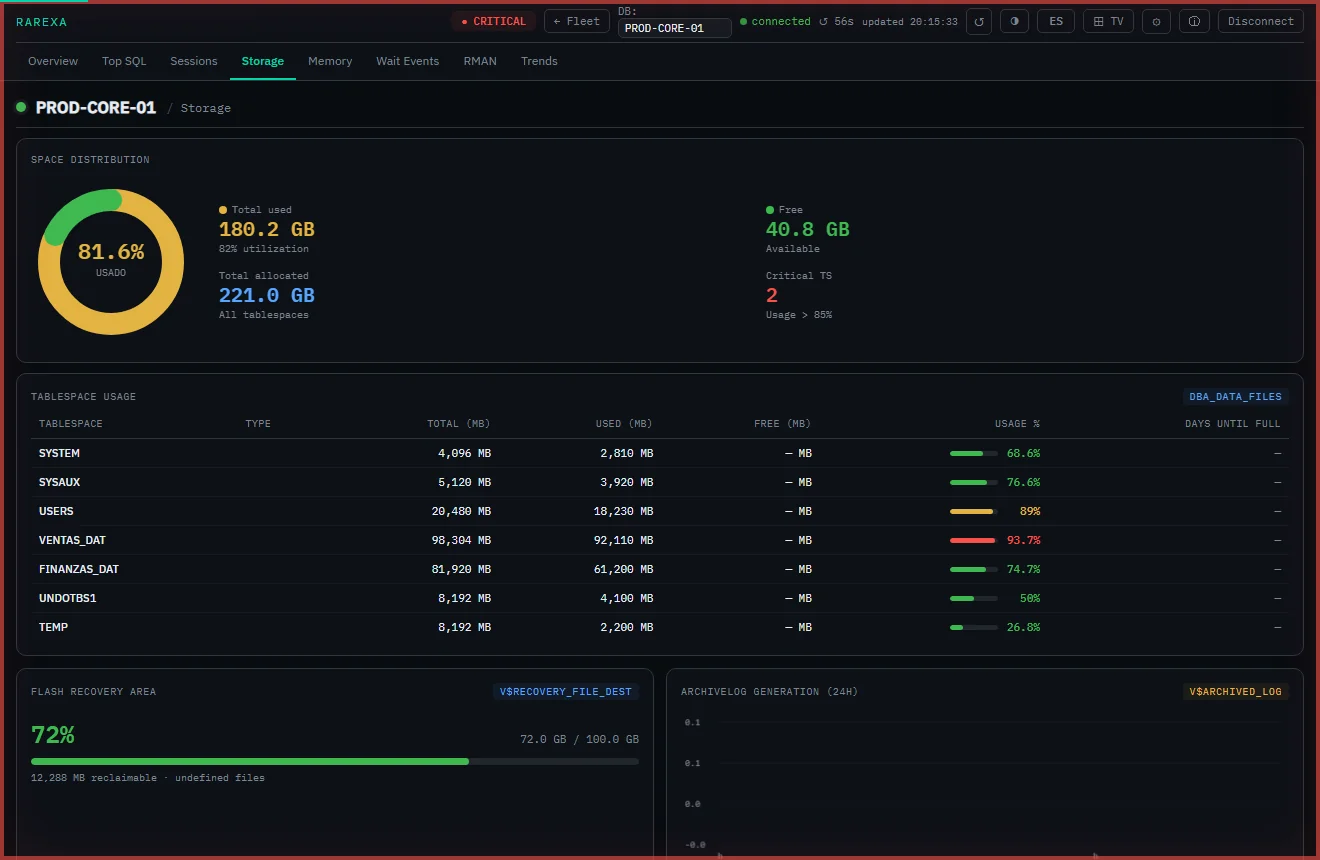
A monitoring tool that deliberately reads only the always-licensed views gives you sessions, blocking, storage with days-to-full, memory, wait events, Top SQL and RMAN status — without ever risking the pack. That's exactly how Rarexa Oracle Health Dashboard is built: read-only, against free views only.
The bottom line
The Diagnostic Pack is worth it if your team lives in AWR and ADDM for serious tuning work. But if you're paying per core just to see whether your databases are healthy and your tablespaces aren't about to fill, you're using a tuning license as a monitoring tool — and overpaying by a wide margin. For day-to-day observability, a focused dashboard on free views does the job for a tiny fraction of the cost.
Frequently asked questions
Is the Diagnostic Pack included with Oracle Enterprise Edition?
Do I need the Diagnostic Pack just to monitor Oracle?
How can I avoid Diagnostic Pack costs?
Health monitoring with zero license packs
Rarexa reads only always-licensed views — no Diagnostic or Tuning Pack required. Try it free for 15 days.
Download the trial