How to create a read-only Oracle monitoring user (with the exact GRANTs)
Any monitoring tool — or script — that connects to Oracle should do so as a dedicated, read-only account with the narrowest privileges that still let it see the metrics. Never monitor as SYSTEM or a DBA. Here are the exact statements, from the quick way to a strict least-privilege setup, for both classic and multitenant databases.
The quick, standard way
For most teams, a monitoring user needs to log in and read the data dictionary — nothing else. Oracle ships a role for exactly this: SELECT_CATALOG_ROLE, which grants SELECT on the catalog and V$ views without any write ability.
CREATE USER dbmon IDENTIFIED BY "<strong-password>";

GRANT CREATE SESSION      TO dbmon;   -- can connect
GRANT SELECT_CATALOG_ROLE TO dbmon;   -- read V$ and DBA_ views
That's it. SELECT_CATALOG_ROLE covers the views a health dashboard needs — sessions, system stats, wait events, SGA/PGA, tablespaces and RMAN history — and grants no ability to change data. It's the pragmatic default.
SELECT ANY DICTIONARY is broader than you need and exposes some sensitive internals; the DBA role is write-capable and wildly over-privileged for monitoring. SELECT_CATALOG_ROLE is the right-sized choice.The strict, least-privilege way
If your security policy requires explicit object grants instead of a role, grant SELECT only on the specific views your tool reads. Note that the public V$ names are synonyms — you grant on the underlying V_$ views:
CREATE USER dbmon IDENTIFIED BY "<strong-password>";
GRANT CREATE SESSION TO dbmon;

-- Performance & sessions
GRANT SELECT ON v_$session              TO dbmon;
GRANT SELECT ON v_$sql                  TO dbmon;
GRANT SELECT ON v_$sysstat              TO dbmon;
GRANT SELECT ON v_$system_event         TO dbmon;
GRANT SELECT ON v_$sgastat              TO dbmon;
GRANT SELECT ON v_$pgastat              TO dbmon;
GRANT SELECT ON v_$database             TO dbmon;
GRANT SELECT ON v_$instance             TO dbmon;

-- Backups (RMAN)
GRANT SELECT ON v_$rman_backup_job_details TO dbmon;

-- Storage / capacity
GRANT SELECT ON sys.dba_data_files      TO dbmon;
GRANT SELECT ON sys.dba_free_space      TO dbmon;
GRANT SELECT ON sys.dba_temp_files      TO dbmon;
GRANT SELECT ON v_$temp_space_header    TO dbmon;
This is the principle of least privilege in action: the account can read precisely what it needs to report health, and absolutely nothing else.
Multitenant (CDB/PDB)
On a container database you have two clean options.
Monitor each PDB independently (recommended)
Create a local monitoring user inside each pluggable database — the same statements as above, run while connected to that PDB:
ALTER SESSION SET container = pdb_sales;
CREATE USER dbmon IDENTIFIED BY "<strong-password>";
GRANT CREATE SESSION, SELECT_CATALOG_ROLE TO dbmon;
One common user across the container
If you'd rather have a single account, create a common user (the C## prefix) at the root with CONTAINER=ALL:
ALTER SESSION SET container = CDB$ROOT;
CREATE USER c##dbmon IDENTIFIED BY "<strong-password>" CONTAINER=ALL;
GRANT CREATE SESSION, SELECT_CATALOG_ROLE TO c##dbmon CONTAINER=ALL;
Good hygiene
- Use a strong, unique password and store it encrypted — never in plain text in a config file or script.
- Consider a profile that limits failed logins and, if appropriate, restricts the account to your monitoring host.
- Confirm the account truly is read-only: it should have no system privileges beyond
CREATE SESSIONand no object privileges beyond SELECT.
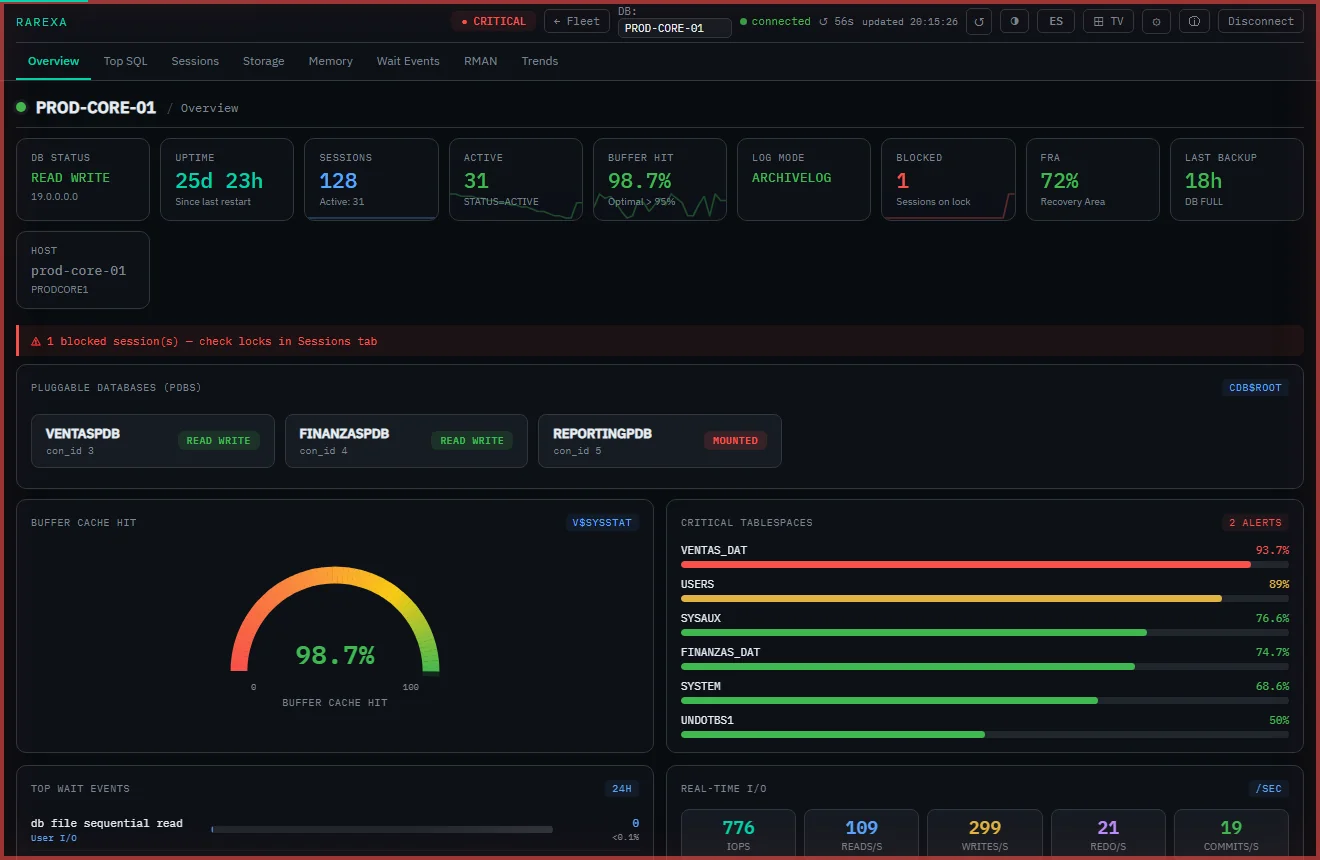
This is exactly the account model Rarexa Oracle Health Dashboard uses: you point it at your database with a read-only user like the one above, and it never creates objects, never modifies data, and never needs write privileges. Its user manual ships the same GRANT statements so you can hand them to your security team.
Frequently asked questions
What privileges does a read-only Oracle monitoring user need?
Is SELECT_CATALOG_ROLE safe for monitoring?
How do I create a monitoring user in a CDB/PDB?
Read-only by design
Rarexa connects with a least-privilege user and never touches your database. Free 15-day trial.
Download the trial